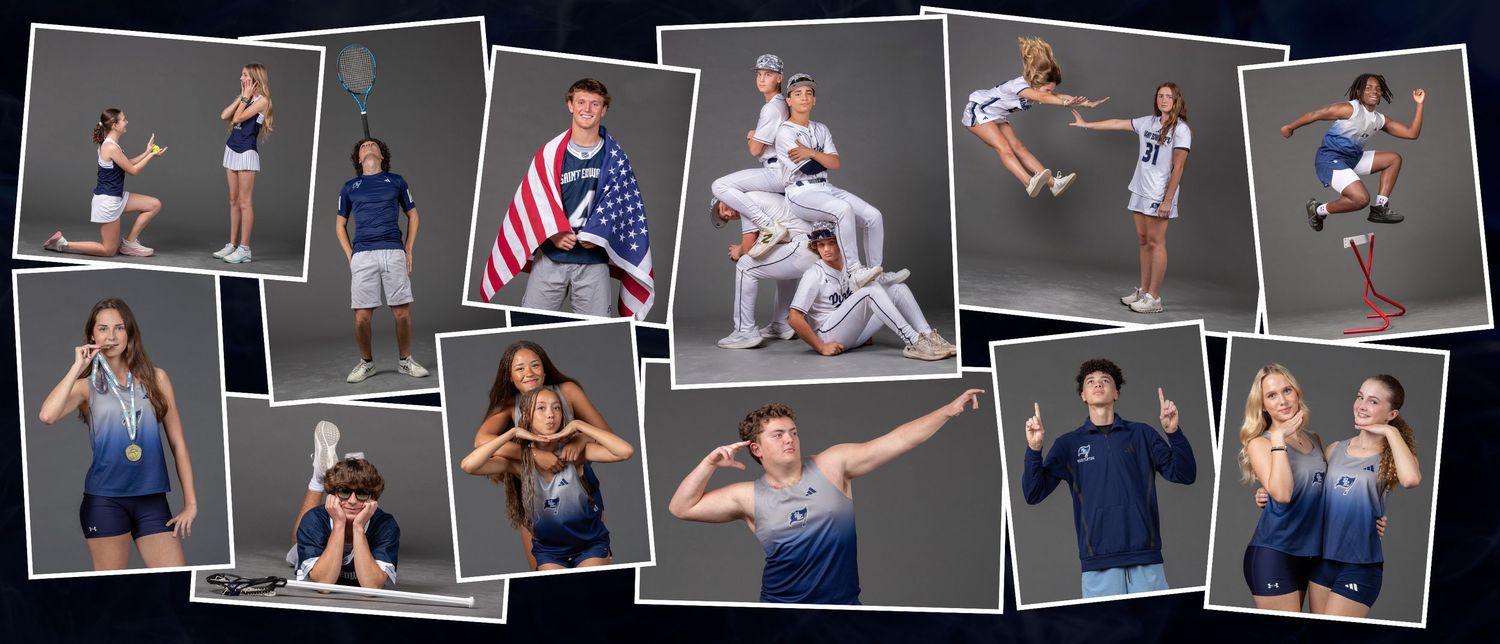
Spring Sports Media Day photos are available for purchase now! Click the link to see the gallery with 964 photos - each one carefully edited to get them ready for you!
CLICK HERE TO VIEW AND PURCHASE PHOTOS
Need a custom crop or fit?
Some products or print sizes may not align perfectly with your selected photo(s). If that happens, feel free to contact me directly - I'm happy to adjust the background or edit the image to ensure it fits your chosen product or size just right.
HOW TO ORDER PHOTOS
Step 1 - Sign In
- Click the link to go to the St. Edwards Sports Photos page
- Click the link for the Spring Sports 2025-2026 gallery
- Enter your phone number to log in (or to create an account)
- After you verify your phone number, you may OPT OUT of text message notifications by unchecking the box next to "Subscribe to text alerts for this gallery".
- Click the button at the bottom to begin, and proceed to Step 2 - Find your Kid(s)
Step 2 - Find Your Kid(s)
- Three ways to find your photos:
- FaceFind - upload a clear photo of your kid's face and it will find their photos for you (note: works well in most cases, but occasionally misses some if part of their face is obscured)
- Search by Keywords - Allows you to browse all photos from a particular sport/team
- All Photos - Allows you to browse everything
- Mark your favorite photos by clicking the heart icon on each photo
Step 3 - Order Photos
- When your favorites are chosen, click "Shop" at the bottom
- Choose one of the featured packages or products, OR click one of the categories along the top to pick and choose
- When you've chosen your products, click "Customize" (note: you can crop and/or zoom to frame each photo)
- Click "Finish" to add your photos to your cart
- When you complete the purchase, digital downloads will be available immediately and prints should arrive in a week or so
If you have any questions, problems, requests, or feedback, please contact me and I will be happy to help you